 Internet Download Manager
Internet Download Manager
Internet Download Manager
Increase download speeds by up to 5 times, resume and schedule downloads.
Download Now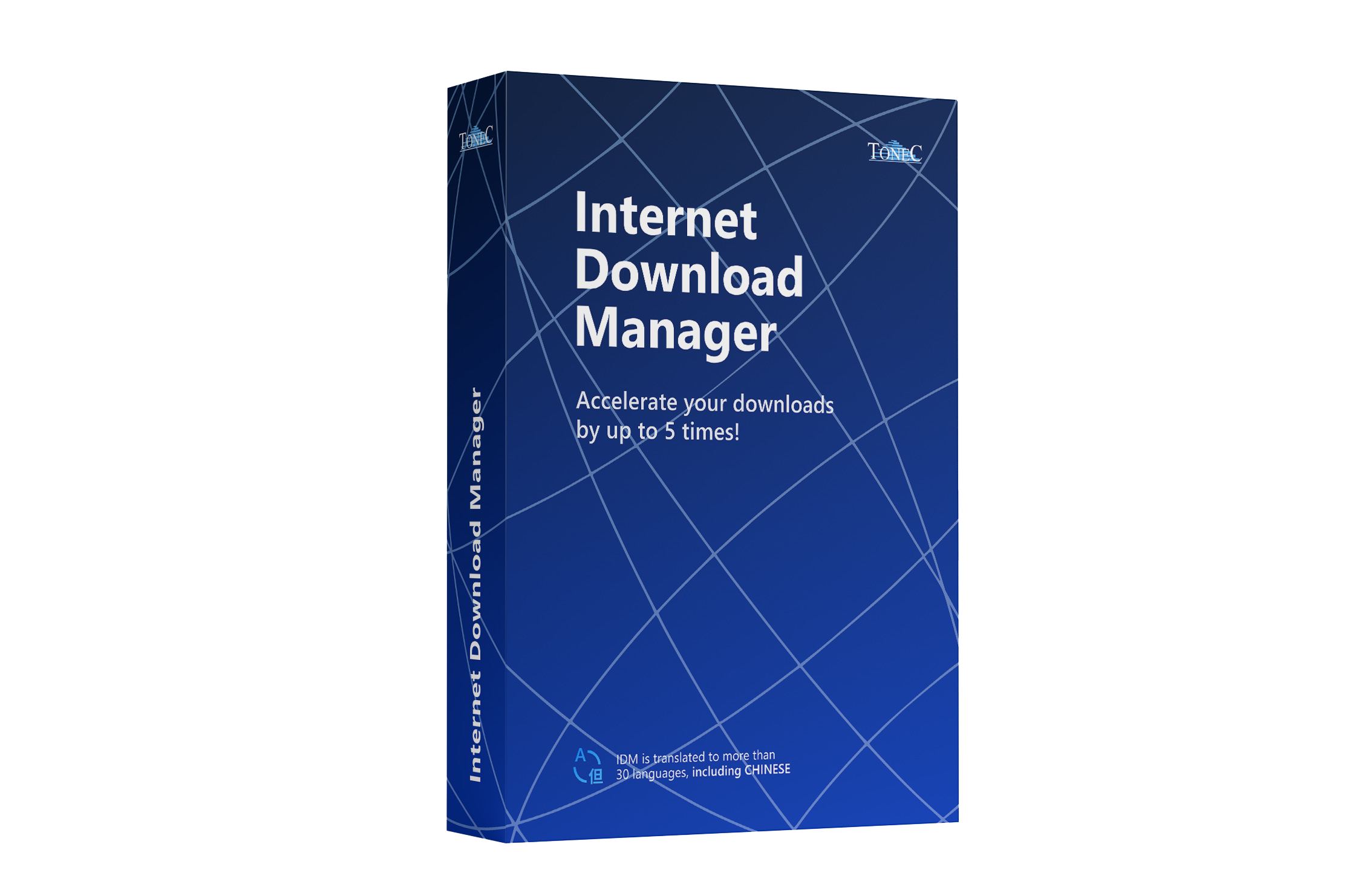
.gif)
Stop waiting for your downloads! IDM ensures faster and more reliable downloads, repairing broken ones and resuming interrupted downloads due to lost connections, power outages, or network problems.
.gif)
IDM’s powerful download engine uses dynamic file segmentation technology to accelerate downloads. By reusing connections, IDM provides consistently fast download speeds, evolving since 1999.
.gif)
IDM integrates smoothly with all major browsers—Chrome, Firefox, Edge, Safari, and more. Ensure IDM’s extension is active in your browser to capture downloads directly and use its enhanced right-click menu.
.gif)
IDM makes downloading easy. When you select multiple links, IDM presents a “Download with IDM” button for instant downloading with a single click, streamlining the process.
Once the IDM browser extension is installed, you can effortlessly download media and files from your favorite websites with the IDM video download panel that makes it easy to capture content.
IDM allows you to set specific times for downloading files, disconnecting from the internet, or shutting down your computer when downloads finish. Perfect for scheduling bulk downloads overnight.
IDM lets you organize downloads automatically by category, helping you easily manage files based on type or site. Create custom categories to stay organized while downloading.
Customize IDM’s interface by choosing the layout, buttons, and columns. You can even select from multiple toolbar skins and switch between light or dark themes to match your style.
Windows Registry Editor Version 5.00

[HKEY_CURRENT_USER\Software\DownloadManager]
"ConnectionSpeed"=dword:000ffff
"MaxConnectionNumber"=dword:00000020
"CheckUpdtVM"=dword:00000000
Use the above registry keys to manually configure max connection settings (Advanced Users Only).
To speed up your downloads, simply install IDM, click any download link in your browser, and let the smart engine handle the rest.
Download the installer and run it. IDM automatically integrates into Chrome, Edge, Firefox, and other browsers.
Click any file link (video, audio, or zip). The IDM panel will appear automatically to capture the download.
IDM segments the file to download up to 5x faster. Pause, resume, or schedule the download as needed.

Version 6.42 | 12 MB | Windows 11, 10, 8, 7
Download the Latest Version of IDMTry Internet Download Manager for free!
Virus Free
Digital Signature
Money Back Guarantee
.gif)
.gif)
.gif)